Skip to content
Entelligage

Example

An example walkthrough

A short walkthrough of an illustrative application, shown as a mockup.

Illustrative mockup, invented data, not a live product

An illustrative walkthrough of the kind of application Entelligage builds: an AI-assisted case-resolution service, shown as a mockup with invented data. It is not a live product. This is an example of what can be built; each client's application is designed around their own process.
The app's text is sample content, not Entelligage's statements and not legal advice.

Walkthrough

Watch the walkthrough

Illustrative mockup with invented data. No sound; captions and the step-by-step walkthrough below are provided.

Step by step

The walkthrough

  1. Step 1: Introduction

    An illustrative walkthrough of the kind of application Entelligage builds: an AI-assisted case-resolution service, shown as a mockup with invented data. It is not a live product. This is an example of what can be built; each client's application is designed around their own process.
  2. Step 2: Documents

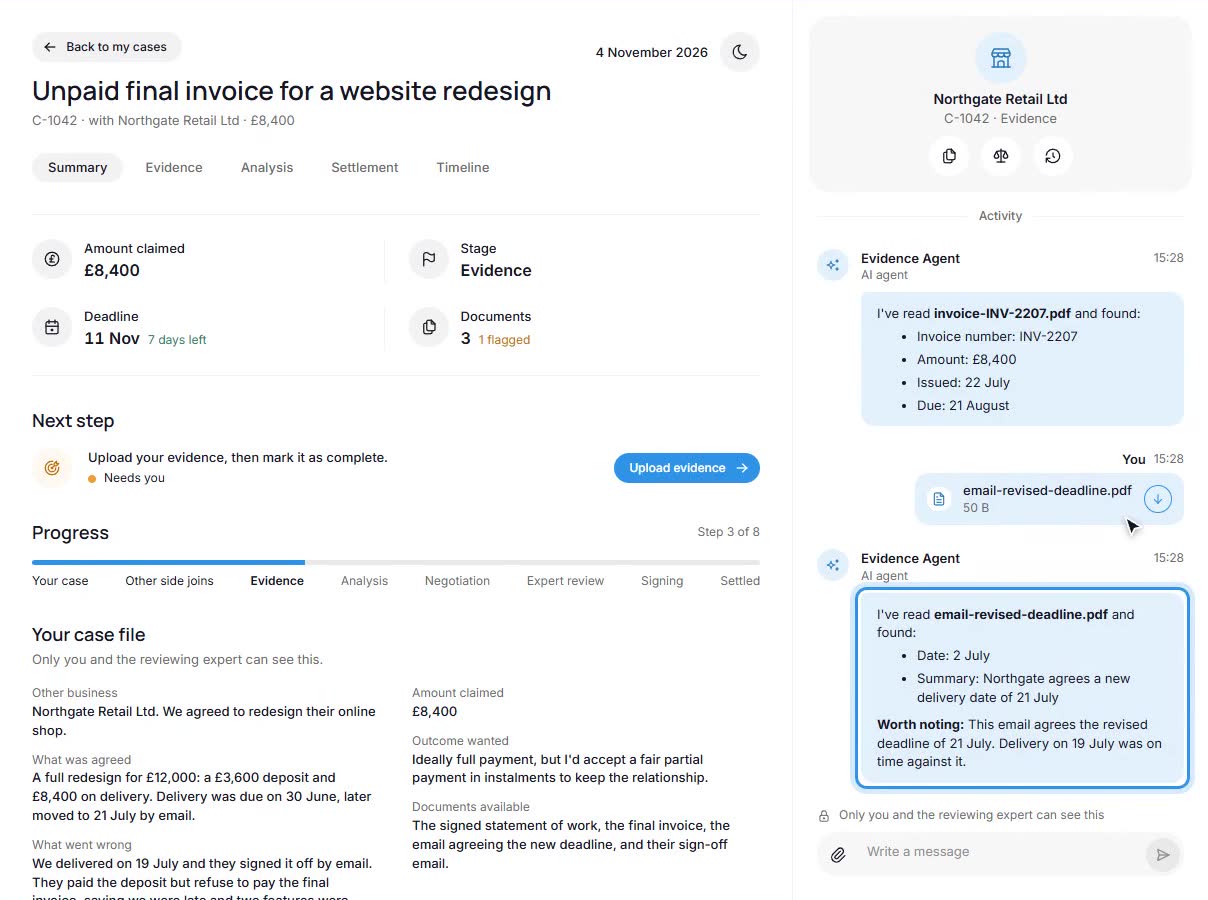
    Uploaded documents can have their key terms extracted for a person to review.

    Screenshot of the mockup's evidence screen: a list of uploaded documents with the key details read from each, next to a chat panel.
    Documents scene (about 05:30 in the video)
  3. Step 3: Portals

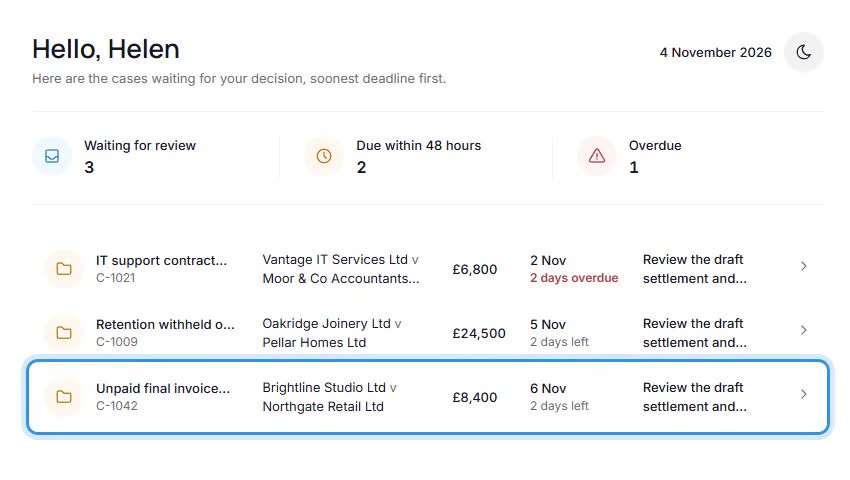
    Each party, and the reviewing expert, can have their own portal with private views of the case.

    Screenshot of the mockup's expert portal: a greeting, summary tiles and a queue of cases.
    Portal scene (about 08:35 in the video)
  4. Step 4: Review

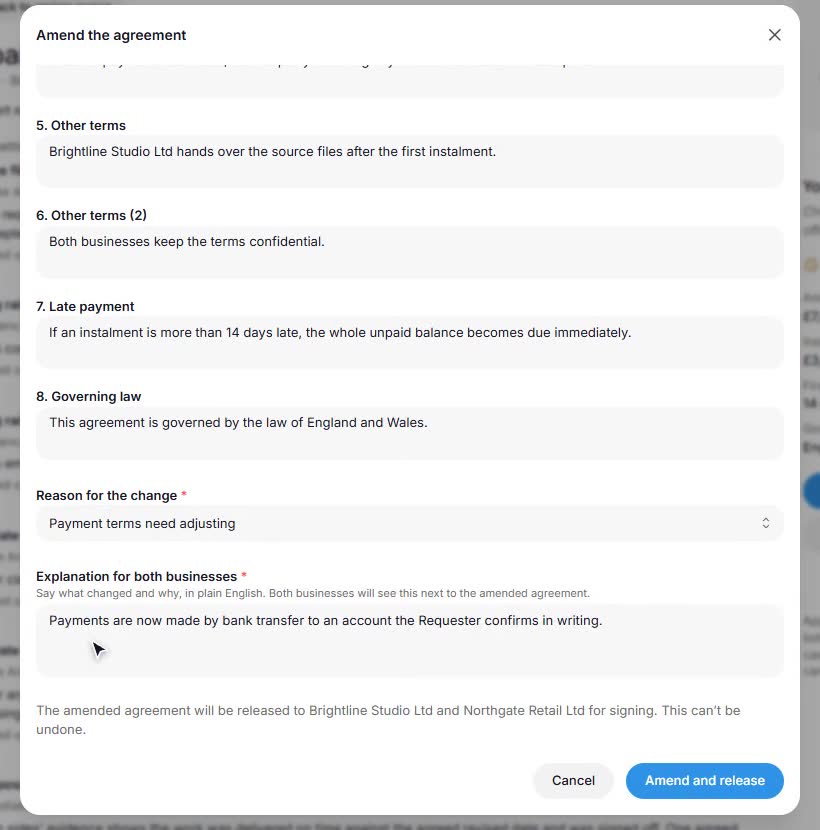
    AI suggestions can be assigned to a named reviewer who approves or amends them before anything becomes final.

    Screenshot of the mockup's edit dialog for a draft document, with form fields for a reason and an explanation and a confirm button.
    Reviewer scene (about 09:15 in the video)
  5. Step 5: Record

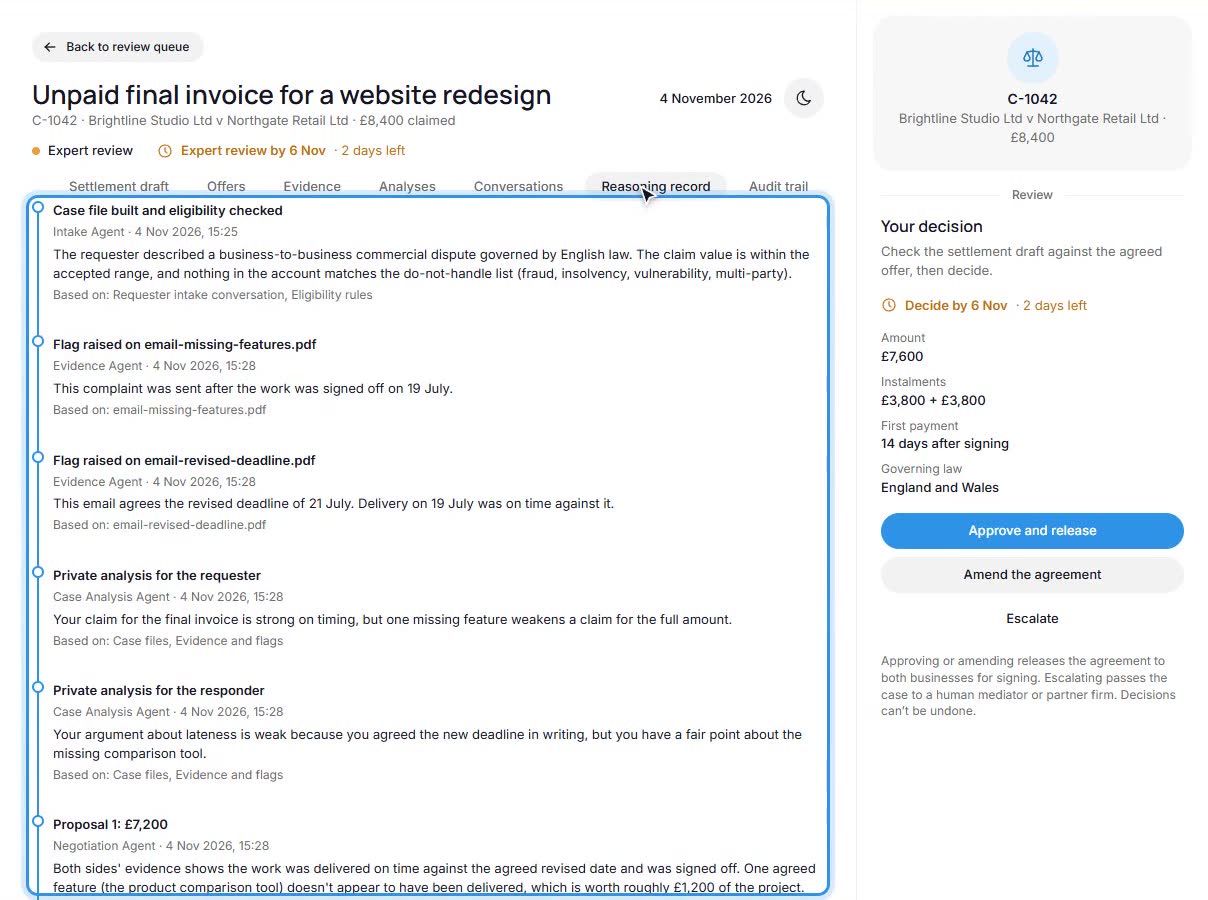
    AI suggestions can carry their reasoning, kept as a record alongside the case.

    Screenshot of the mockup's reasoning record tab: a list of recorded steps, each with the reason for it.
    Reasoning record scene (about 08:55 in the video)

Step 2 of 5

Documents

Screenshot of the mockup's evidence screen: a list of uploaded documents with the key details read from each, next to a chat panel.

Documents scene